
Cloud Costs·10 min read·August 24, 2026
How to Reduce Cloud Database Storage Costs in 2026
Cloud database storage costs compound fast on RDS, Aurora, and MongoDB Atlas. Learn 5 proven ways to cut your storage bill in 2026 — with real pricing.

KOLMOS
Database Engineering Team · KOLMOS Systems
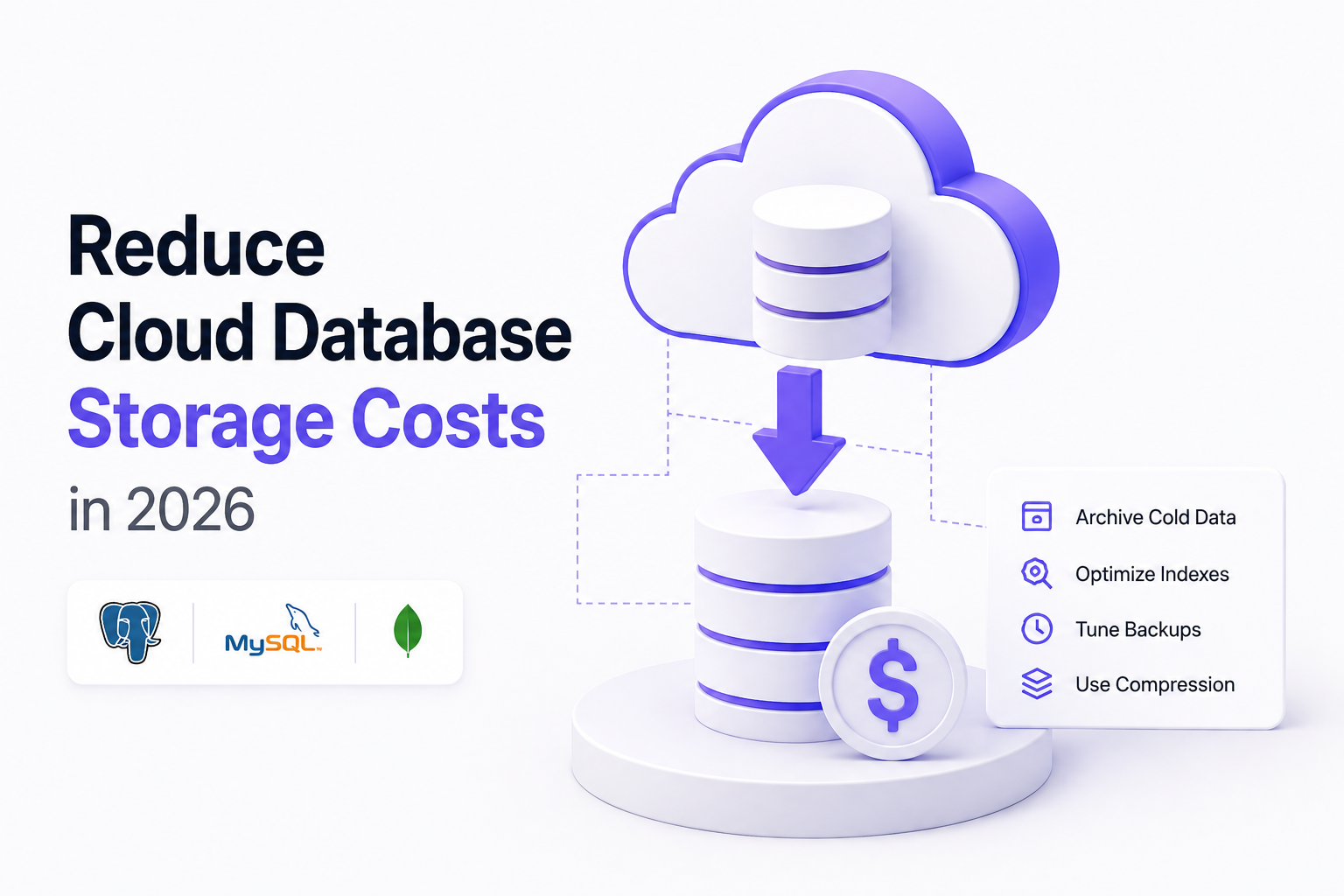
TL;DR: You can reduce cloud database storage costs by removing dead space and unused indexes, archiving cold data, tuning backup retention, and — the biggest lever — storing your data in a more compact format. Managed engines like Amazon RDS, Aurora, and MongoDB Atlas charge roughly $0.10–$0.15 per GB-month for storage, and that number silently multiplies across replicas, standby nodes, and backups. Cutting the raw bytes you store is the one optimization that compounds across every one of those copies.If your database bill keeps climbing even when your traffic is flat, storage is usually the reason. This guide breaks down what storage actually costs on the major managed databases in 2026, why the bill grows faster than your data, and five concrete ways to bring it back down.
Why Cloud Database Bills Grow Faster Than Your Data
Most teams budget for the instance — the vCPUs and RAM in the pricing calculator. But storage is billed separately, it only ever grows, and it gets copied. A single 200 GB database is rarely stored once. In a typical production setup it exists as the primary volume, a synchronous standby, one or two read replicas, and a rolling window of backups. That is the same data billed four to six times over.Three properties make storage the hardest line item to control:Technical Blueprint
Storage PlaneCloudflare R2 CAS
Execution CoreDataFusion SIMD
Decode Fidelity100% Bit-Exact
Wire DoorsPG · MySQL · Mongo
Official Channels
How Much Does Managed Database Storage Cost in 2026?
Here are the published storage rates for the most common managed engines. These are list prices for the US East region and change over time, so always confirm on the provider's pricing page before you plan around them.
text
┌───────────────────────────────────────┬────────────────────────────┬─────────────────────────────┬─────────────────────────────────────────────────────────┐
│ Engine                                │ Storage rate (per GB-mo)   │ Backup storage              │ Notes                                                   │
├───────────────────────────────────────┼────────────────────────────┼─────────────────────────────┼─────────────────────────────────────────────────────────┤
│ Amazon RDS (gp3 General Purpose SSD)  │ ~$0.115                    │ ~$0.095 beyond free alloc   │ Default for new instances; billed even when stopped     │
│ Amazon RDS (io2 Provisioned IOPS SSD) │ ~$0.125 + ~$0.10/IOPS      │ ~$0.095                     │ IOPS billed separately from capacity                    │
│ Amazon Aurora                         │ $0.10 per GB-month         │ Included / snapshot-based   │ Instances run ~20% higher per hour than equivalent RDS  │
│ MongoDB Atlas (Dedicated)             │ ~$0.15 for storage overages│ ~$0.14 per GB-month         │ Auto-scales to the next tier at ~90% full               │
└───────────────────────────────────────┴────────────────────────────┴─────────────────────────────┴─────────────────────────────────────────────────────────┘
Two Details On That Table Matter More Than The Headline Numbers:
The Hidden Multipliers That 2–5× Your Storage Bill
The per-GB rate is only the base. These multipliers are where the real money goes:5 Proven Ways to Reduce Database Storage Costs
1. Reclaim dead space and bloat
Deleted and updated rows leave behind space that the engine holds onto. In PostgreSQL, routineVACUUM reclaims space for reuse but does not return it to the OS; VACUUM FULL (or a tool like pg_repack to avoid heavy locks) actually shrinks the files. Table and index bloat of 20–40% is common on write-heavy tables that have never been reorganized.2. Archive or expire cold data
Most tables follow the 90/10 rule: the newest 10% of rows serve nearly all the queries. Move older rows to cheaper object storage, or set a time-to-live so they expire automatically. MongoDB TTL indexes and partition-drop strategies in SQL databases keep your hot working set — and its expensive replicas and backups — small.3. Drop unused and redundant indexes
Indexes are silent storage consumers and are copied to every replica just like table data. It is common to find indexes that no query has used in months, plus overlapping indexes where one is a prefix of another. Auditing and removing them can reclaim a surprising share of total volume with no query-performance loss.4. Compress at the storage layer
Row-oriented operational databases store data in a format optimized for transactions, not density. Column stores and modern compression (dictionary encoding, run-length encoding, and general-purpose codecs likezstd) routinely shrink analytical data several times over. Even Parquet with zstd — already a strong compression baseline — is far more compact than the same data sitting in a raw operational table.5. Move to a compression-first storage engine
The optimizations above trim the edges. The structural fix is to store your data in an engine that is designed around density from the ground up — one that beats even a compressed columnar format, and does it without forcing you to rewrite your application. That is the category the rest of this guide covers.What is an "Explanation-First" Storage Engine?
An explanation-first storage engine is a database storage layer that tries to describe your data rather than just pack it. Traditional compression looks at bytes and removes statistical redundancy. An explanation-first engine looks at the data and asks a different question: is there a rule that generates these values?If a column is a sequence, an incrementing ID, a timestamp cadence, or a value that follows a formula from other columns, the engine can store the rule instead of the raw values. A million rows that follow a linear pattern can collapse to a handful of parameters. When no rule fits, the engine falls back to conventional compression, so it never does worse than a strong baseline.KOLMOS implements this idea as a ladder of explanations. Each column is stored at the cheapest "rung" that reconstructs it exactly:zstd + dictionary, the safe baseline).How KOLMOS Cuts Storage 1.8–2.3× Without Rewriting Your App
KOLMOS is a storage engine built in Rust around the explanation-first approach. Two things make it practical to adopt:1. It is drop-in wire-compatible
KOLMOS speaks the native PostgreSQL, MySQL, and MongoDB wire protocols, so your existing drivers, ORMs, and connection strings work unchanged. A connection URL looks like the one you already use, withKOLMOS in place of your managed host:
bash
postgresql://user:password@your-store.kolmos.dev:5432/your_database
mysql://user:password@your-store.kolmos.dev:3306/your_database
mongodb://user:password@your-store.kolmos.dev:27017/your_database
2. Its density beats a compressed columnar baseline
In KOLMOS's own benchmarks against Parquet +zstd — itself a strong compression format — KOLMOS stored the same datasets roughly 1.8–2.3× smaller, and background re-explanation added a further 13–24% over time as the engine found better rules for cold data. Because Parquet + zstd is already far denser than a raw operational row store, that advantage translates into a dramatically smaller footprint than the same data sitting in an uncompressed managed database — and that smaller footprint carries through to every replica, standby, and backup copy you pay for.The honest positioning: KOLMOS is a new engine, and it is built for teams whose bill is dominated by storage volume rather than raw transactional latency. If your data is large, structured, and growing — logs, events, time-series, analytical tables, application data with repeating shapes — that is exactly where the explanation-first approach pays off.Frequently Asked Questions (FAQ)
What is the biggest driver of cloud database storage costs?
Copies. The per-GB rate is modest (~$0.10–$0.15/GB-month), but a single dataset is billed across its primary volume, standby, read replicas, and backups — so a 200 GB database is often billed as 800 GB–1 TB. Reducing the stored bytes is the only optimization that compounds across all of those copies.Does compressing my database actually lower my bill?
Yes, directly. Managed databases charge for provisioned storage, so storing the same data more compactly lowers the storage line — and lowers it again on every replica and backup that copies it.How is an explanation-first engine different from normal compression?
Normal compression removes byte-level redundancy. An explanation-first engine looks for a rule that generates the data — a formula, sequence, or shared prototype — and stores the rule instead of the raw values, falling back to conventional compression when no rule fits.Can I switch storage engines without rewriting my application?
If the engine is wire-compatible, yes. KOLMOS speaks the native PostgreSQL, MySQL, and MongoDB protocols, so your existing drivers and ORMs connect through a normal connection string with no code changes.Is reducing storage worth it if my instance cost is higher than storage?
Often, yes — because storage is the line that keeps growing and gets multiplied. Compute can be right-sized down; storage almost never shrinks on its own, and every high-availability and read-scaling feature copies it.Ready to see how much smaller your data could be? Point a test store at KOLMOS and run your own numbers.
Try KOLMOS Today
Deploy Your First Self-Compressing Store.
Connect via PostgreSQL, MySQL, or MongoDB. 10 GB free developer storage included.